Over the past week, I’ve been learning React to widen my programming knowledge. The syntax is a bit weird to me, especially with the addition of the return values being JavaScript. That being said, I’m getting the hang of it, and it’s been a fun challenge overall!
The reason for TicTacToe is the Official React Documentation page has a tutorial to teach users through making TicTacToe. Naturally, I followed this tutorial, attempting to make each next part before looking at the tutorial.
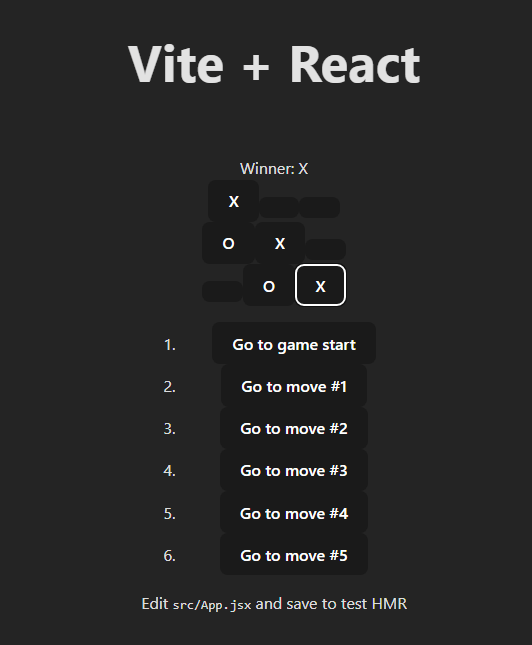
Now, I didn’t know how to adjust the button sizes at this point, but don’t you worry, I learned that during Wordle. In the tutorial, they never set the sizes, they just used the default size. However, these buttons auto-size when theirs did not. I simply assumed this was a version difference and moved forward.
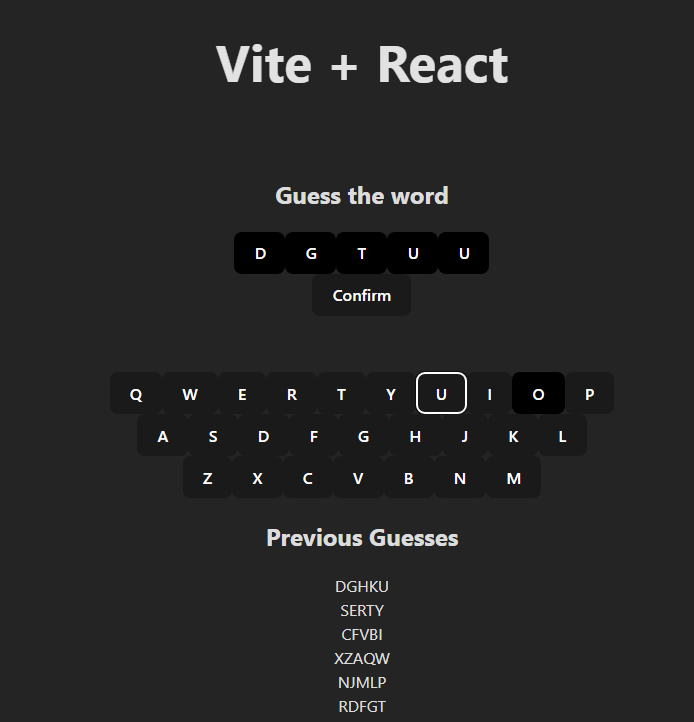
Next we have Wordle. Basic, simple, right? Wrong. There’s a lot more complexity in Wordle than many may think. If you notice, none of those previous guesses were real words. This is a limiter I had to add later on. As well, you need to pull from a list of words to randomize what word the player must guess each time. I did that nearly last, right before the word guessing limiter. Fortunately, I had a txt file from my Programming 1 class that contains all the Wordle words they had us download. I simply used that.
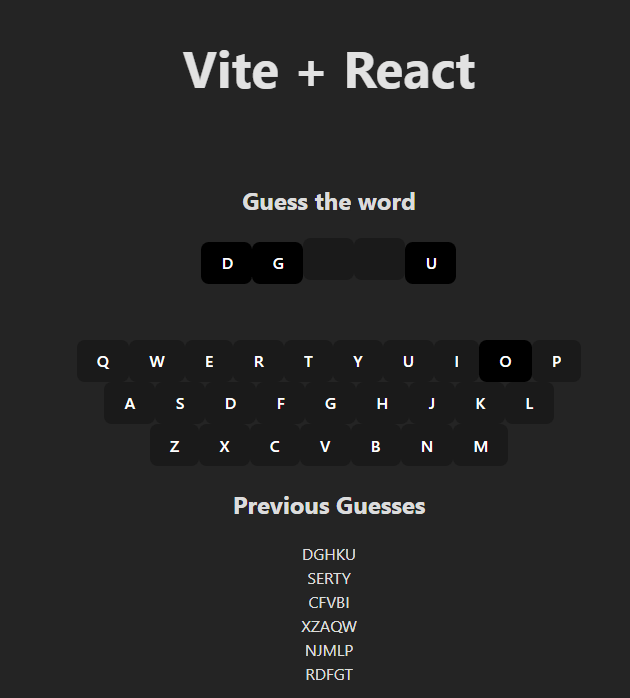
As for guessing, you can’t forget the ability for the player to deselect letters. This didn’t take long, but was a hard requirement that could not be missed.
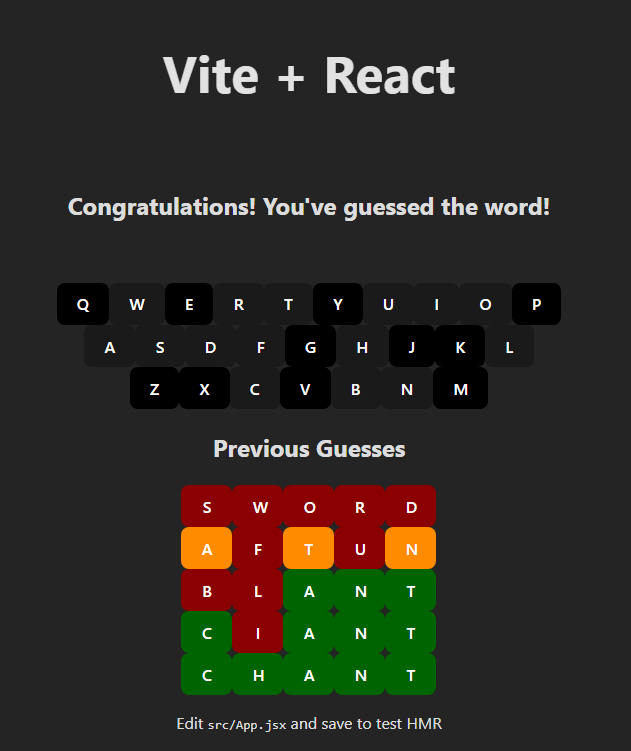
Win conditions. You can’t forget these, as it wouldn’t be a game at that point. This required checking after confirm is pressed, and then changing the return value based on that check. Overall this might have been the easiest change to make, but once again was a hard requirement, and thus I couldn’t leave it behind either.
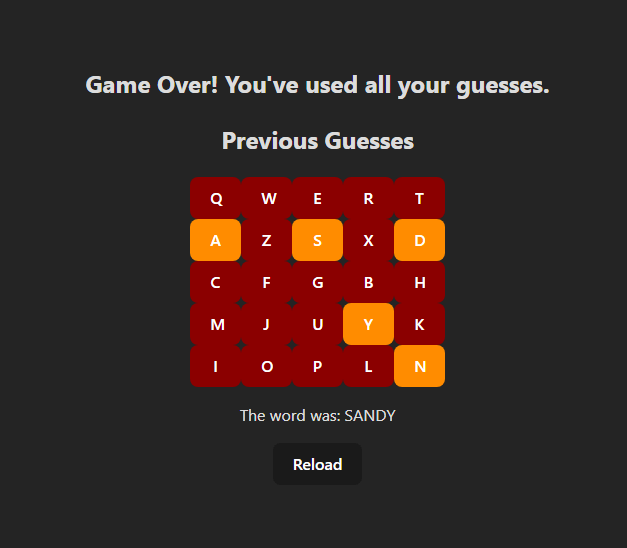
The opposite of a win condition, a lose condition. Wordle gives you a set number of guesses. Beyond that, and you lose, game over. Can’t forget that.
And with that, Wordle was completed! Now, there were obviously smaller pieces, harder to notice. This included the seemingly obvious piece, that still needed to be programmed. Once the player has chosen 5 letters, clicking a 6th letter should do nothing. However, in my version it was still changing the last letter instead. A simple change, adding a check at that point. Naturally, I had to do it, otherwise the game would not be complete.

 Maverick Learns