This week I’ve been hard at work on accessibility features. Specifically, in this case, I’m referring to color options. When creating Spokes, I added an option to show when a circle has the correct number of active lines or too many active lines based on the coloring, but my teacher reminded me of an important detail. I was using Green as Correct and Red as Too Many, as green is commonly “good” and red is commonly “bad.” The detail I was reminded of was the commonality of red-green colorblindness, meaning some people would struggle to see the difference between these two. Thus, I began working on an options menu where the player can change the colors. While I was at it, I figured I would simply add options for all other colors, as well, giving the user the ability to change any color excluding the menu itself.
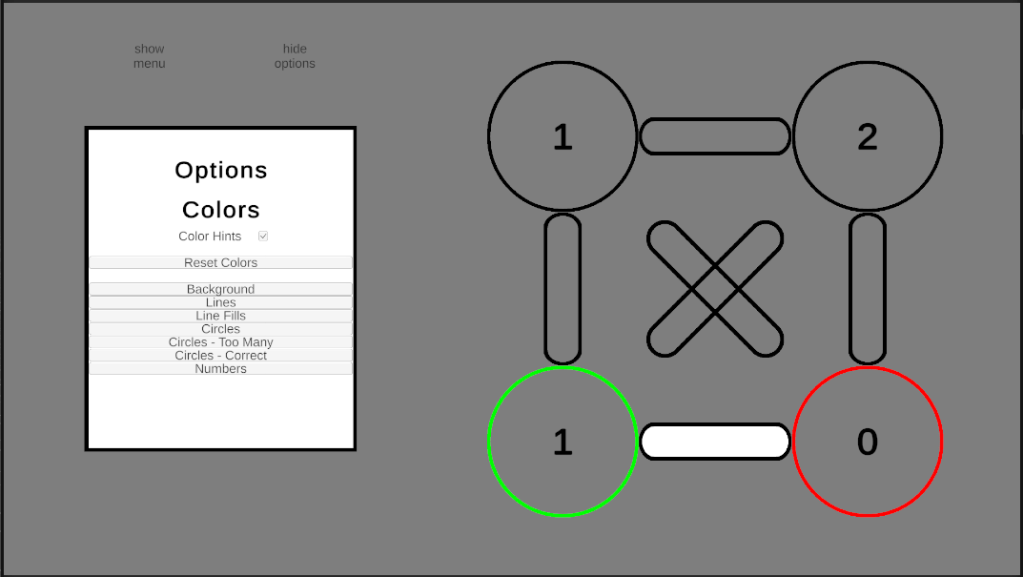
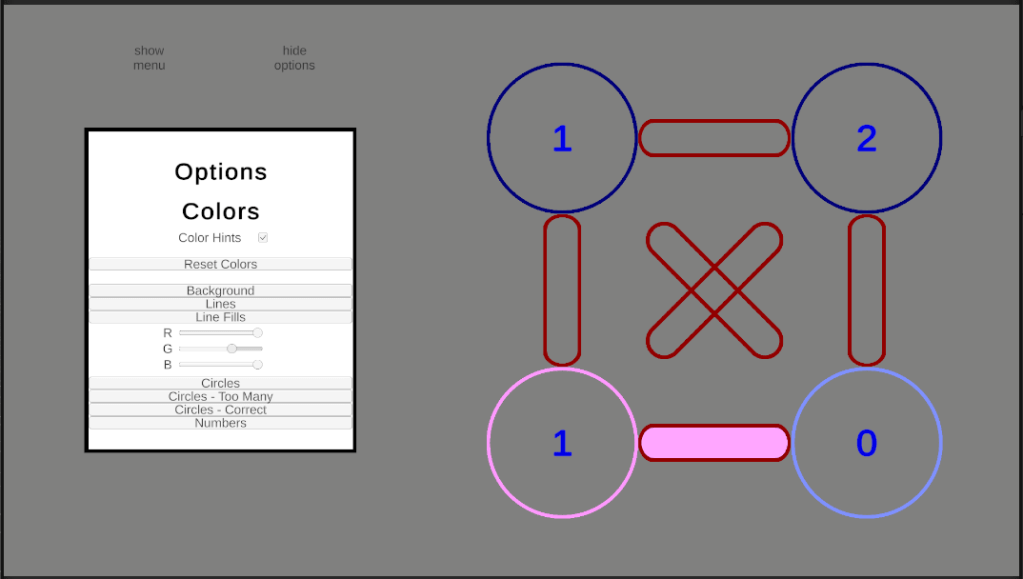
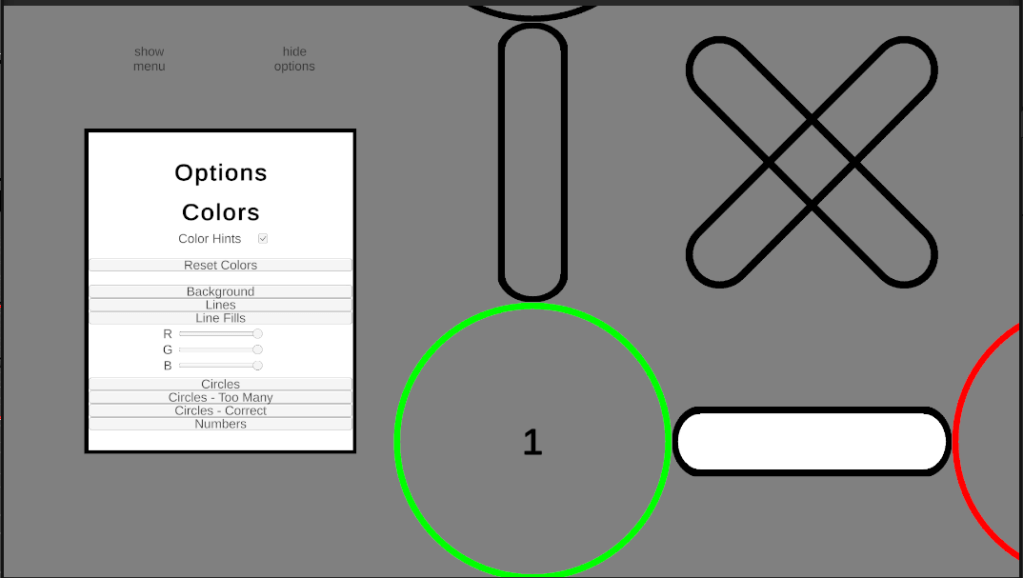
As well, I added the ability for the board to zoom in and out. I implemented two versions of zooming for this. One where the player scrolls, for PC, and one for when the player pinches or spreads, for mobile.
My next planned task was to work on the win event, for when a player completes a puzzle. However, given the new color options menu becomes increasingly small depending on the screen, I am planning on editing the current zoom function. My plan is to make it so when the player pinches and spreads, or scrolls the mouse-wheel, the entire game zooms in and out, not only the puzzle. This way the player can zoom into the menu as well as the puzzle, making the smaller buttons in the options menu much easier to use.
 Maverick Learns